Bring your Square items to Storelly.
Export your item library from Square, upload the file, and see what will be added before anything is. Products, variations, categories, prices and stock come across, and nothing changes in Square while you move.
Free plan · No credit card required
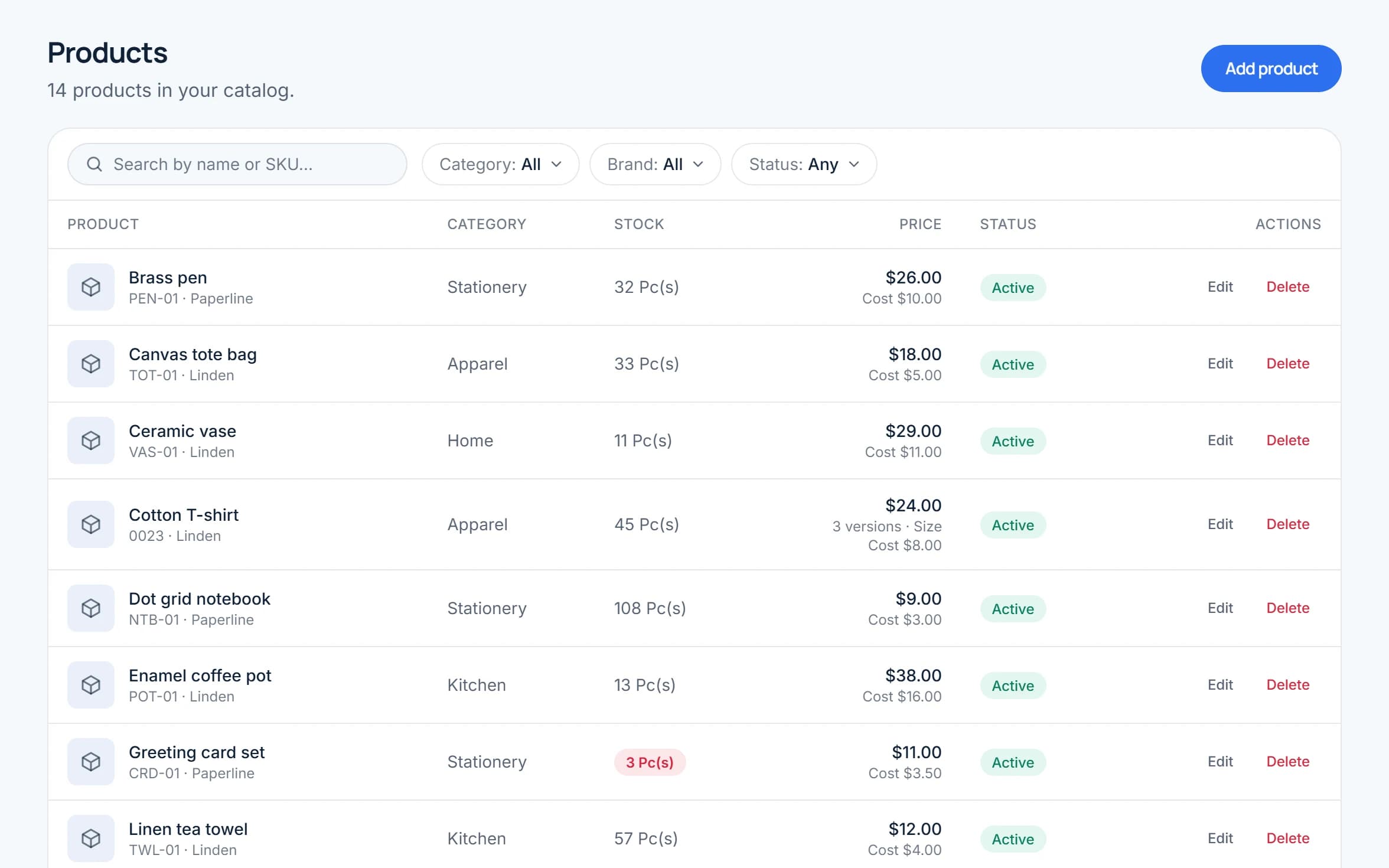
What comes across, and what to check first.
No surprises: here is exactly what the import does with a Square file, and what stays behind.
Comes across
Items and their variations
An item with several sizes or colours becomes one product with versions. An item with one variation becomes a simple product.
Names, SKUs and descriptions
Rich text descriptions are turned into plain text.
Categories and sub-categories
New ones are created for you. Square categories nested deeper than two levels keep their first two.
Prices and unit costs
Selling price and default unit cost, per version.
Stock on hand
Opening stock from one location’s Current Quantity column, matched to a Storelly location by name.
Customers
From Square’s customer export (CSV): names, email, phone, company and address. Each customer needs a phone number.
Check first
Photos, modifiers and online store settings
Item images, modifier sets and Square Online or SEO settings are not imported.
Tax settings
Set tax on your products after the import.
Sales history
Square keeps it. Export the reports you need from Square before you close that account.
Variable prices
Items priced “Variable” come in at 0 until you set a price.
Archived items
Left out on purpose, so they do not count against your plan.
Card payments
Storelly records how each sale was paid, but it does not process card payments. Keep your card reader and record the sale as paid by card.
Four steps, and your Square account stays untouched.
Importing only reads the file you export. You choose when to move your counter over.
Export from Square
In your Square Dashboard open Items → Item Library → Actions → Export library. Keep the .xlsx or .csv file exactly as Square gives it.
Create your free Storelly account
Sign up with your email. Your shop, first location and free plan are set up for you. Name the location like the one in Square so stock lands in the right place.
Upload and check the preview
Open Products → Import and choose the file. Storelly lists what it did with it and what it will create. Nothing is added until you confirm, and a file is imported whole or not at all.
Count, then switch the counter
Check a few products and their stock, and keep selling in Square until you are happy. Nothing is changed or deleted in Square.
Questions about moving from Square.
Can't find what you're looking for? Reach out and our team will walk you through it.
Yes. Export your item library from Square (Items → Item Library → Actions → Export library) and upload the .xlsx or .csv file on the product import page in Storelly. Storelly recognises Square’s file by its columns and converts it, and shows you what it did before anything is added.
They become one product sold in versions, named from Square’s option columns, for example Size: S, M, L. An item with a single variation, which Square calls Regular, becomes a simple product.
No. Storelly imports your items, stock and customers, not past sales. Square keeps your history, so export the reports you need from Square before you close that account.
A product gets opening stock at one location per import, taken from one Current Quantity column of the file. If you have several locations, add the stock of the others afterwards by recording a purchase at each location, or by moving it with a stock transfer. The preview tells you which column was used.
No. Storelly is sales, stock and point-of-sale software: it records how each sale was paid, such as cash or card, and prints receipts, but it does not process card payments. If you rely on Square’s payment processing, keep a card reader and record those sales as paid by card.
One file can have up to 300 rows, and each Square variation is one row, so split a bigger library into several files. Your plan also has a product limit: the free plan includes a limited number of products, and the pricing page lists every plan.
No. Importing only reads the file you export: nothing is changed or deleted in Square. You can run both side by side while you check your products and stock, and move your counter over when you are ready.
Yes. Every new Storelly account starts on the free plan and needs no credit card, so you can import your items and look around before deciding on a paid plan.
Start running your shop on Storelly.
Add your products and record your first sale today. Every new shop starts on the free plan.
Free plan · No credit card required